For crew: your day, your bus, your messages
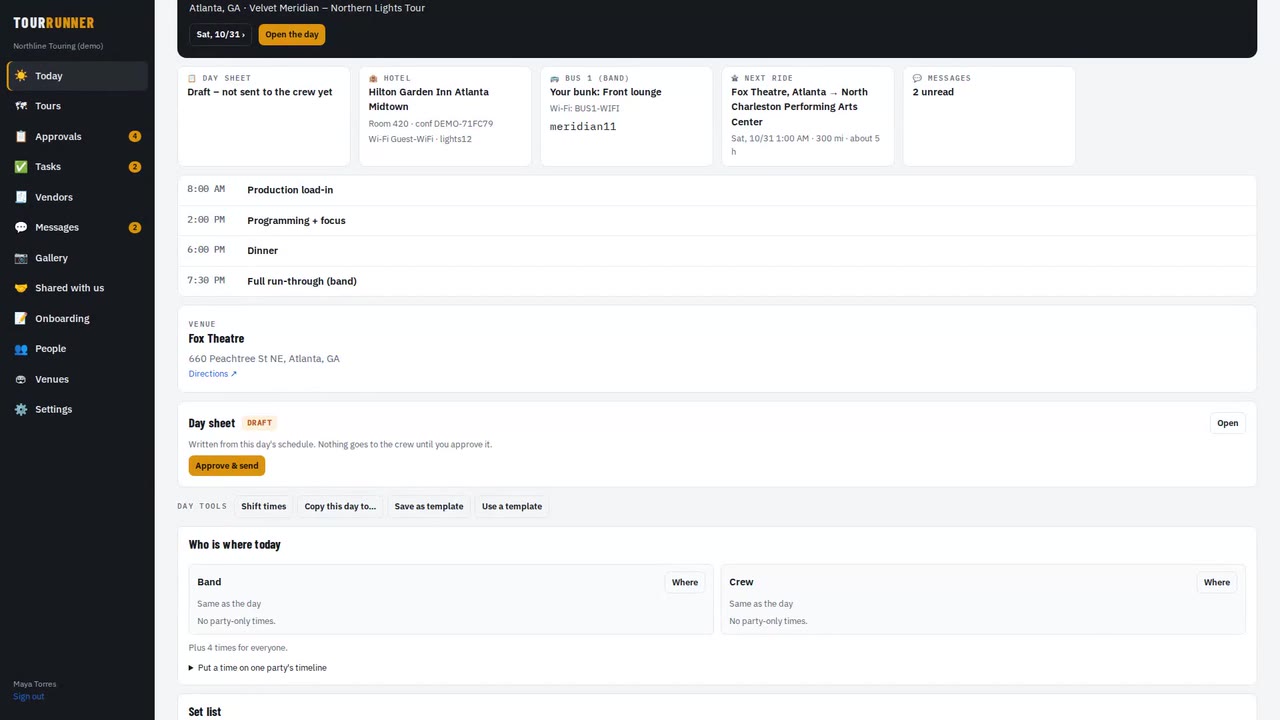
What a crew member sees: your times, room, bus and bunk, Wi-Fi, announcements and how to reply. · 1:24
Transcript
This is what a crew member sees. Rafael is the front-of-house engineer on this tour.
Today starts with your next day: where, when, and your first call.
You'll notice there's no money anywhere. Crew never see costs or rates.
Your day sheet shows the times that are yours – the whole party's times, and your department's.
When a time changes, you get an alert, and the new time is right here.
Your hotel, your room number, and the confirmation.
Your bus, your bunk, and the bus Wi-Fi password, one tap to copy.
And your next ride, with the time and the drive.
Messages keeps the whole tour in one place: the tour channel, your department, and direct messages.
Announcements ask you to tap Got it, so nobody has to chase you.
Share photos in the gallery, and your tour manager can pick the best ones.
That's it. Check Today, keep alerts on, and you'll always know where you need to be.
More videos
 1:49
Getting startedTour Runner in four minutesA quick look at a whole tour: days, people, travel, buses and trucks, money and the tour book.
1:49
Getting startedTour Runner in four minutesA quick look at a whole tour: days, people, travel, buses and trucks, money and the tour book.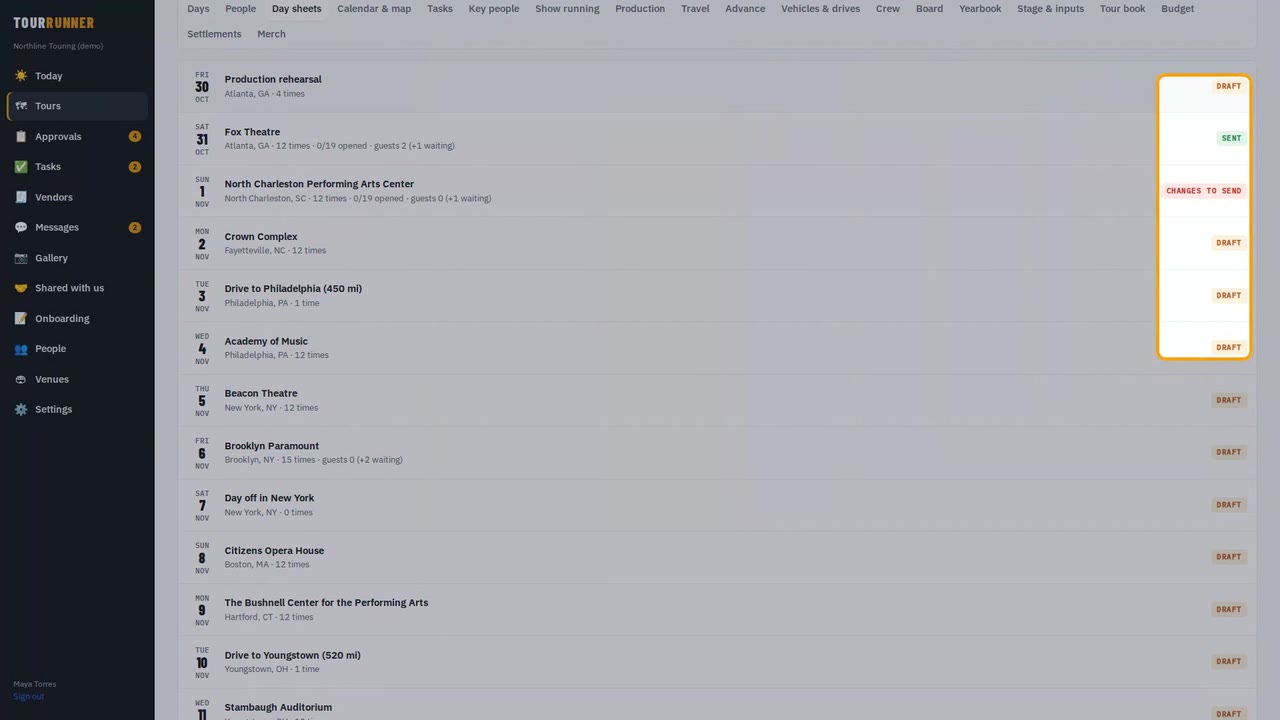 1:33
Day sheets & schedulesDay sheets and schedule changes you approveBuild the day, send the day sheet, and approve a time change so it reaches only the people it affects.
1:33
Day sheets & schedulesDay sheets and schedule changes you approveBuild the day, send the day sheet, and approve a time change so it reaches only the people it affects.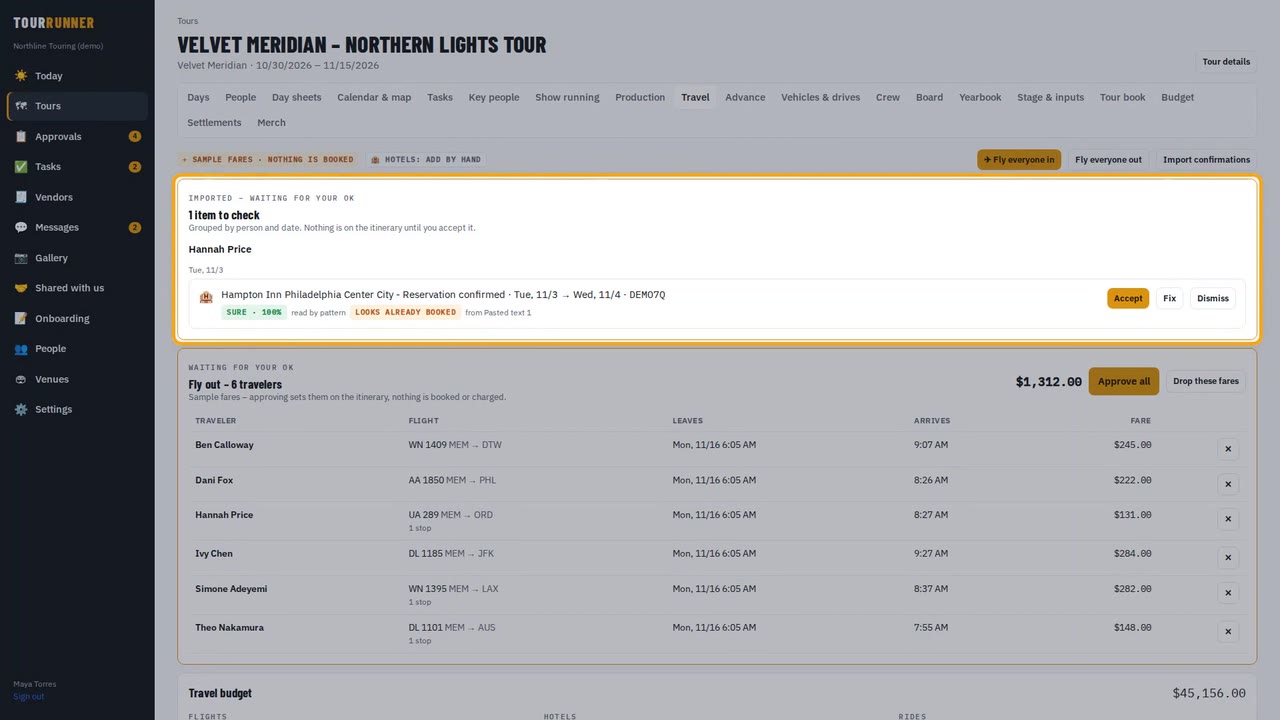 1:37
TravelTravel: flights, hotels and the rooming listImport confirmations, approve a group's flights in one tap, send the rooming list and add a charter.
1:37
TravelTravel: flights, hotels and the rooming listImport confirmations, approve a group's flights in one tap, send the rooming list and add a charter.