Tour Runner on your phone
Install the app, turn on alerts, and find your day, your bus and your messages. · 1:12
Transcript
Tour Runner has its own app for iPhone and Android.
Open the invite your tour manager sent, set your password, and you're in.
When it asks about notifications, tap Allow.
That's how schedule changes, announcements and messages reach you, even with the phone locked.
If alerts ever go quiet, Settings, Phone alerts checks everything and sends you a test.
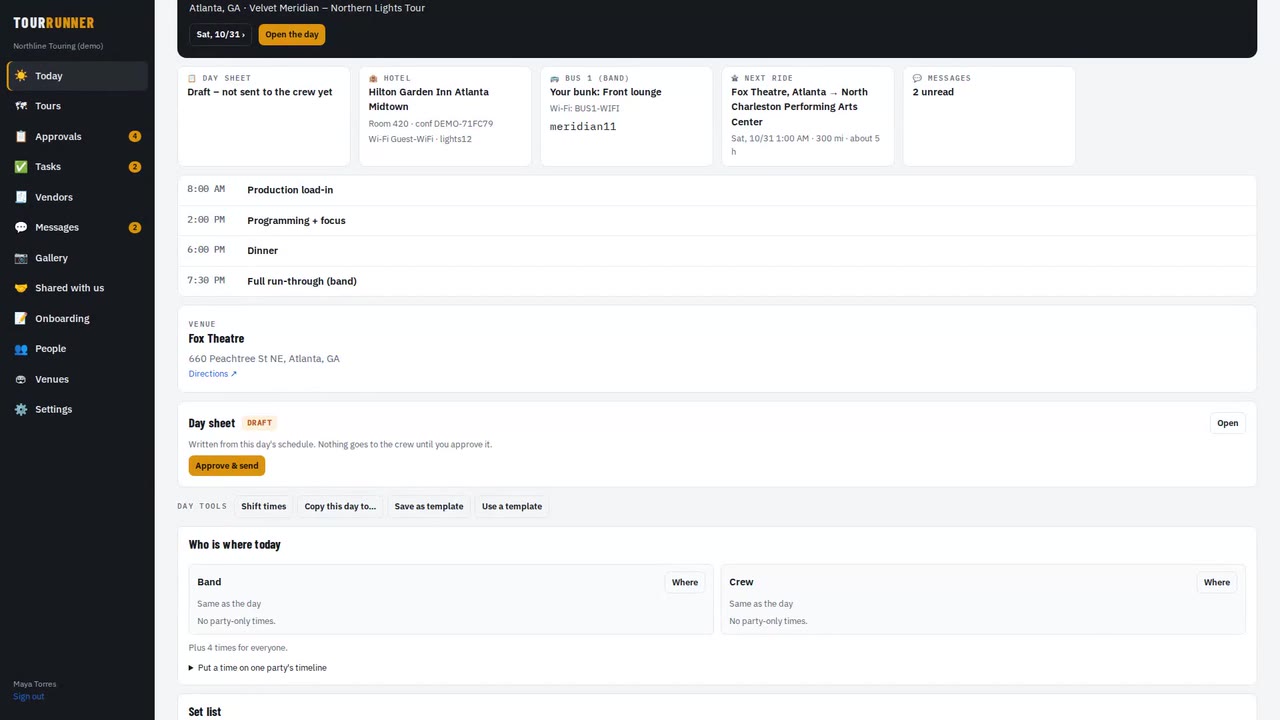
Today is your day at a glance: your next call time, your hotel room, your bus and bunk, and the Wi-Fi.
Open the day for the full schedule – just the times that are yours.
Anything you've opened works without signal, on a plane or in a basement dressing room.
Messages has the tour channel, your department, and direct messages.
Tap Got it on an announcement so your tour manager knows you've seen it.
More videos
 1:49
Getting startedTour Runner in four minutesA quick look at a whole tour: days, people, travel, buses and trucks, money and the tour book.
1:49
Getting startedTour Runner in four minutesA quick look at a whole tour: days, people, travel, buses and trucks, money and the tour book.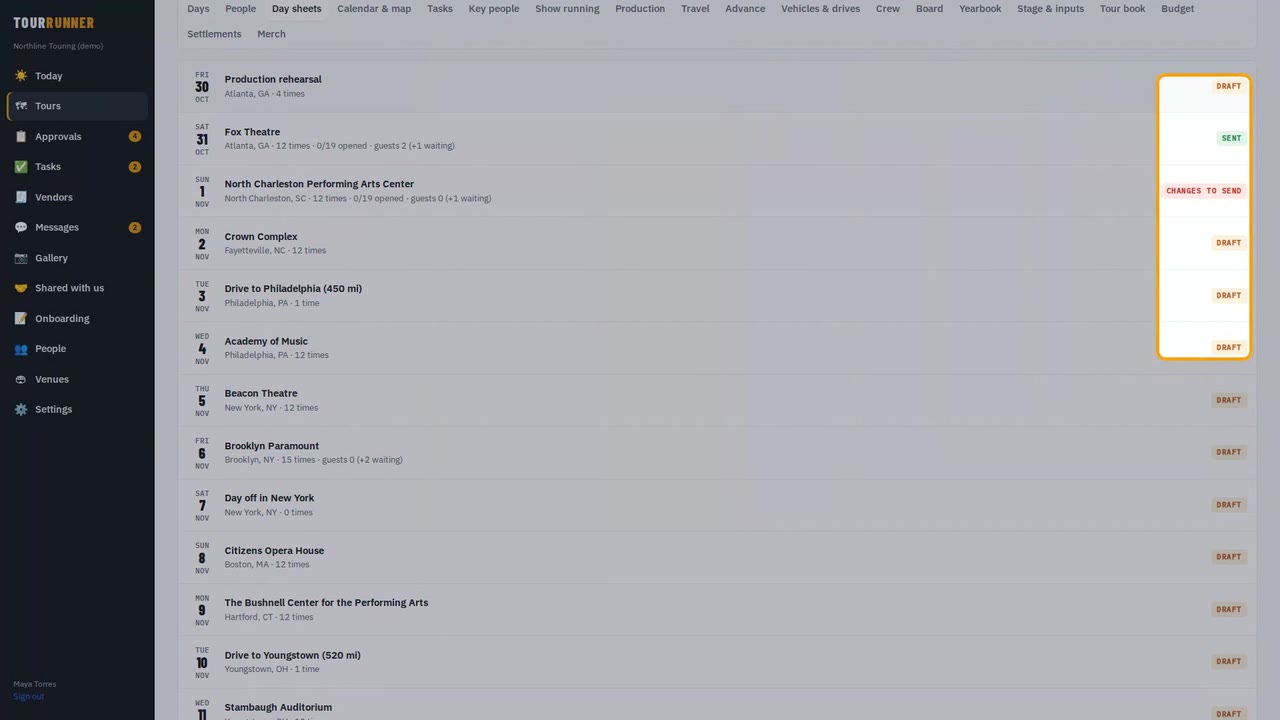 1:33
Day sheets & schedulesDay sheets and schedule changes you approveBuild the day, send the day sheet, and approve a time change so it reaches only the people it affects.
1:33
Day sheets & schedulesDay sheets and schedule changes you approveBuild the day, send the day sheet, and approve a time change so it reaches only the people it affects.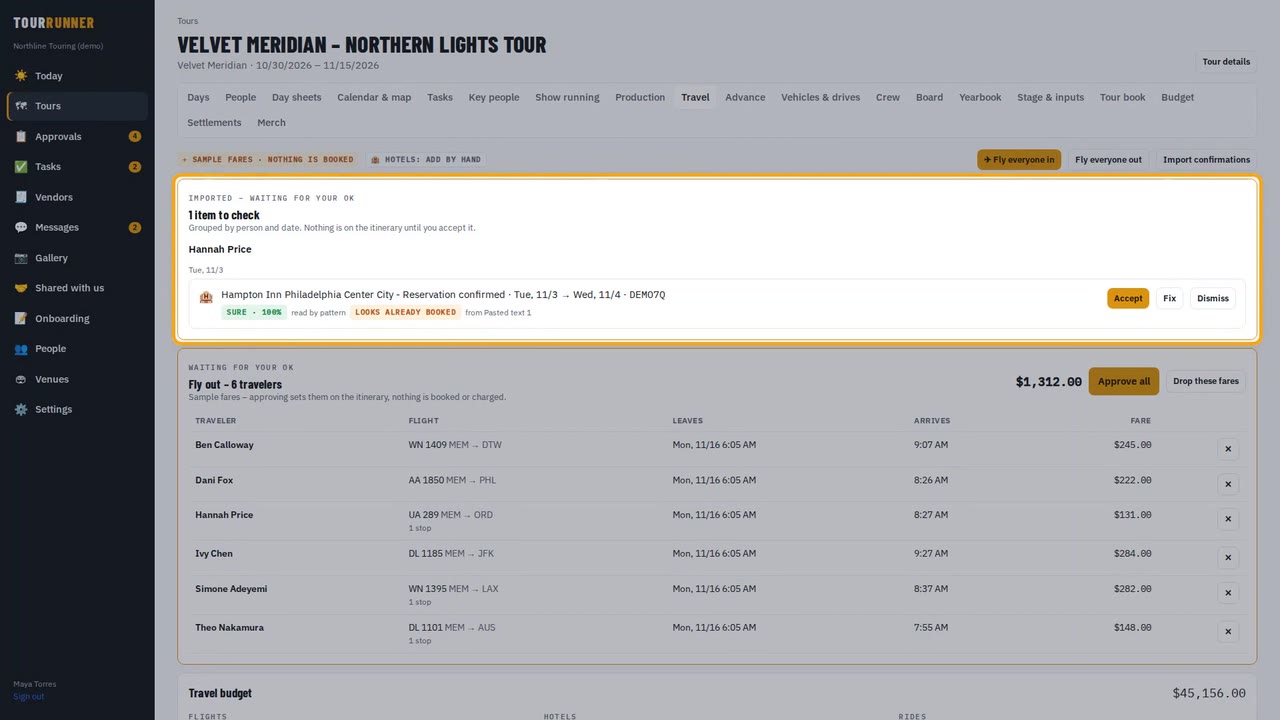 1:37
TravelTravel: flights, hotels and the rooming listImport confirmations, approve a group's flights in one tap, send the rooming list and add a charter.
1:37
TravelTravel: flights, hotels and the rooming listImport confirmations, approve a group's flights in one tap, send the rooming list and add a charter.