Stage plot, input list and the tech rider
Build the input list and monitors, draw the plot, make a version for a small stage and send the rider. · 1:42
Transcript
The input list is the heart of the advance.
Channel, source, mic or DI, stand, phantom power and the stage box channel.
Drag a line and the channels renumber, or lock the numbers if they can't move.
Quick-add builds common setups in one go: a drum kit, bass, guitar amps, keys, vocals and playback.
The mic package totals what you need: every mic by model, the DIs and the phantom count.
Monitor mixes – wedges, in-ears, sidefills and drum fill – are built right from the input list.
The stage plot is drawn to size, in feet, with downstage and the audience marked.
Drag gear on, turn it, resize risers, and undo anything.
Tie a spot to its channels and the numbers show right on the plot.
A small stage gets its own version that keeps only what's different, so the main list stays the source.
Share a view-only link with the house engineer – no sign-in needed.
Here they suggested a different mic on a guitar amp. Accept it with one tap, or dismiss it.
And one click makes the tech rider: the plot on its own page, then inputs, monitors, the mic package and contacts.
More videos
 1:49
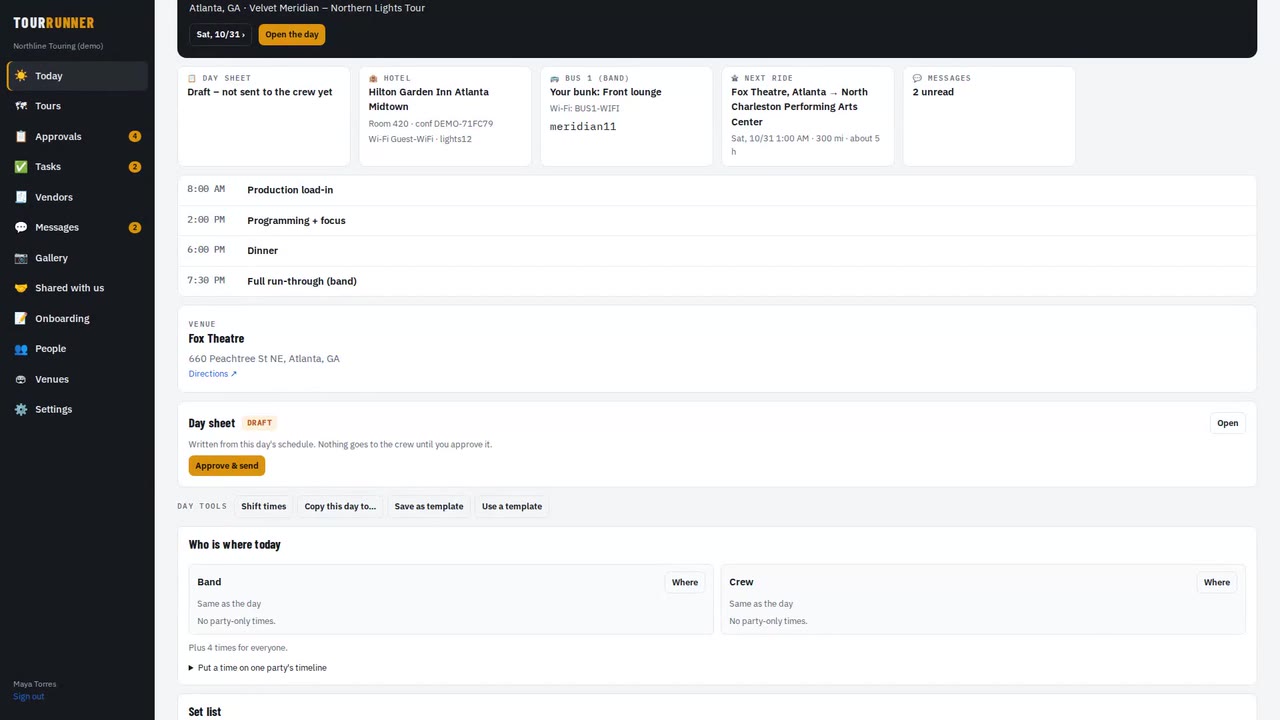
Getting startedTour Runner in four minutesA quick look at a whole tour: days, people, travel, buses and trucks, money and the tour book.
1:49
Getting startedTour Runner in four minutesA quick look at a whole tour: days, people, travel, buses and trucks, money and the tour book.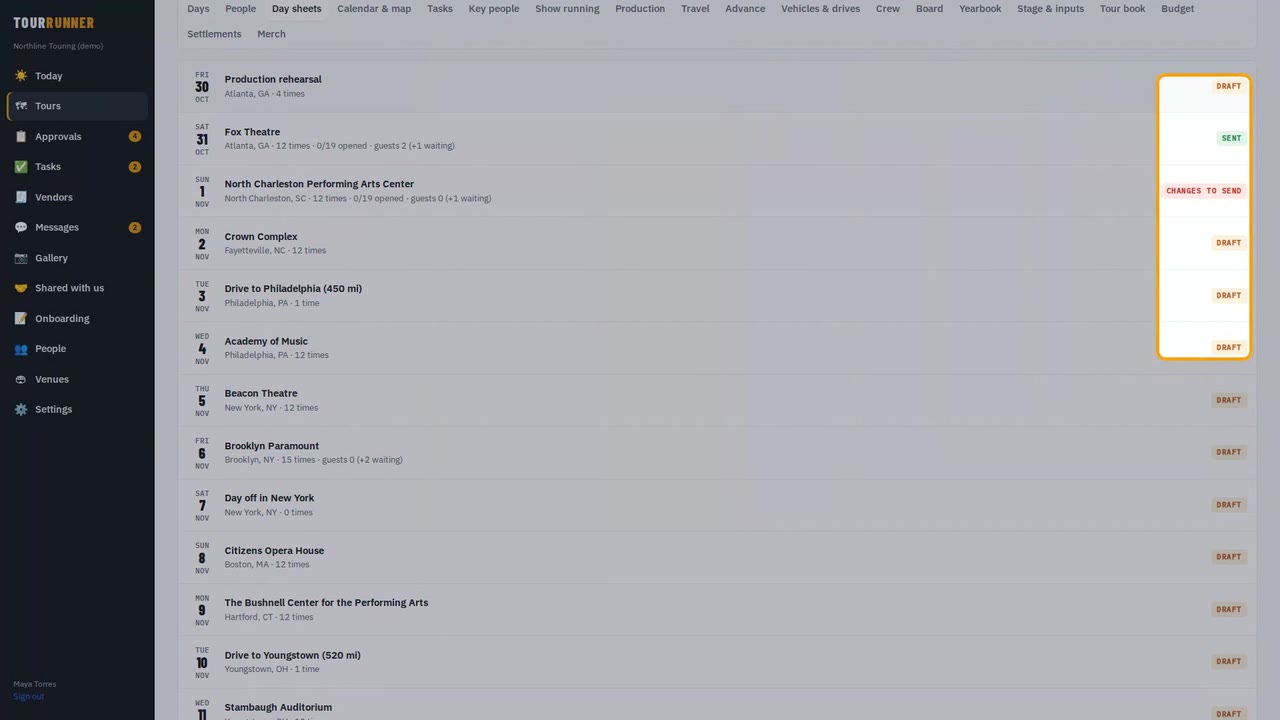 1:33
Day sheets & schedulesDay sheets and schedule changes you approveBuild the day, send the day sheet, and approve a time change so it reaches only the people it affects.
1:33
Day sheets & schedulesDay sheets and schedule changes you approveBuild the day, send the day sheet, and approve a time change so it reaches only the people it affects.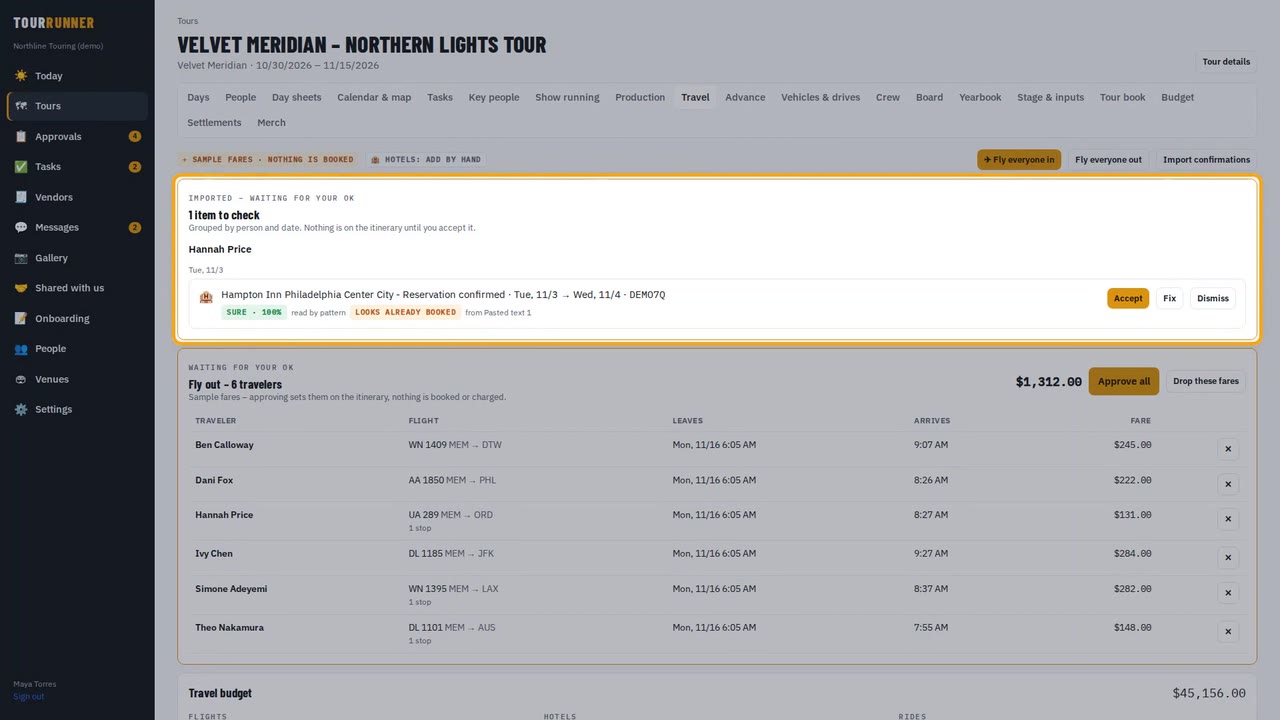 1:37
TravelTravel: flights, hotels and the rooming listImport confirmations, approve a group's flights in one tap, send the rooming list and add a charter.
1:37
TravelTravel: flights, hotels and the rooming listImport confirmations, approve a group's flights in one tap, send the rooming list and add a charter.